Access Gmail and online services
Mailbird is a Windows desktop email client. The client currently only supports Gmail accounts for email, but also provides support to display Dropbox, Facebook, Google Drive and other services. Mailbird’s design and functionality is nearly identical to Sparrow on Mac, making it ideal for anyone looking for a Windows equivalent. This free beta version doesn’t include all of Mailbird’s features, but will give you a good taste of what it can do.
Top Recommended Alternative

How it works
The app provides basic Gmail features such as composing emails, and sorting email into folders and labels. Mailbird does not support more advanced options such as filters, making it lackluster if you want to perform complex tasks. Another downside is that the beta only allows a single Gmail account at once.
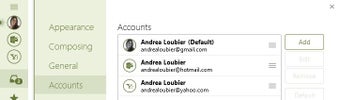
However, you can work around this with the Identities feature. Identities allow you to forward several e-mail accounts through a single Gmail account, making it very similar to having multiple accounts. However, you have to setup e-mail forwarding within Gmail. Identities also do not save folders, labels, drafts or sent messages to the secondary accounts, only to the primary account. There are plans to add multiple account support in the final release, but for now this is not part of Mailbird's beta.
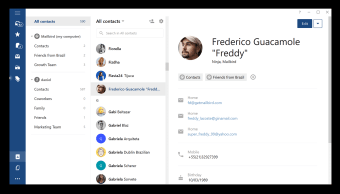
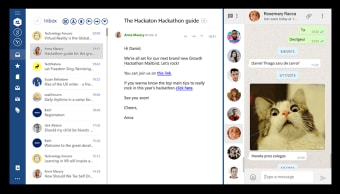
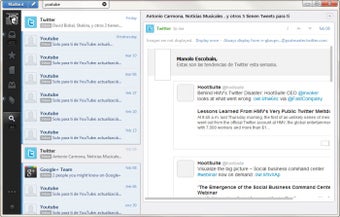
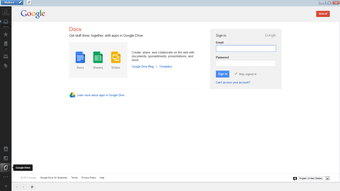
Mailbird also includes several optional apps that provide more functionality or connect to other services. Feature Apps include quick access to contacts, a detailed calendar, and the ability to search attachments. You can also use apps to connect to online services such as Dropbox, Facebook, and Asana. There are also links to popular tech blogs such as TechCrunch and Lifehacker.
Design and Interface
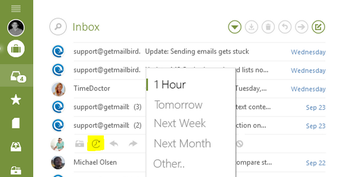
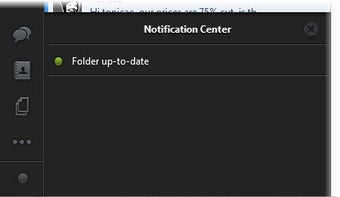
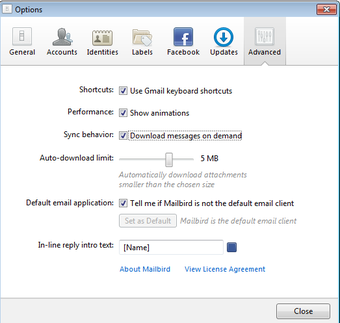
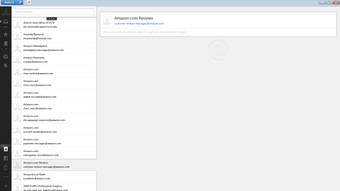
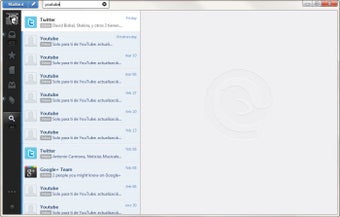
Nearly all of the menus, apps, and notifications are accessed from a toolbar on the left. Emails are listed in a large column that takes up only a fourth of the screen. Before a message is selected there will be a large empty space. Once an email is picked, this space will fill with the message, graphics, metadata, and menu controls. In the upper right hand corner you can quickly add labels, download attachments, or reply to an email. You can also use any Gmail keyboard shortcuts in Mailbird, making it even faster to access different features.
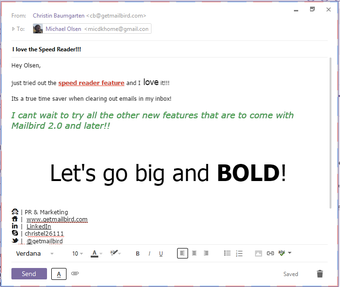
Composing an email will open a new compact window that has all the normal writing functionality. This includes being able to select font type, size, and color, a paragraphs alignment, and any images, lists, or links. The slight annoyance is that the app does not search for contacts; you will need to have your contacts app open or know the exact email address. The apps in generally don’t have an unique interface in Mailbird, instead they simply open the service’s webpage in the client.
Performance
Emails from major social networks such as Facebook or LinkedIn are clearly marked with icons so that you can quickly identify them. When a new email or notification arrives a bird chirp will play. If you receive too many frequent messages you can disable this chirp. Mailbird does generally have load slowly when first opened, mainly caused from populating your entire Gmail account and all folders. However, its speed is quicker when receiving a fewer messages at once. You should be able to avoid this problem by staying logged in.
Conclusion
While in beta, Mailbird is still a great Windows email client if you are content with only a single Gmail account. Its biggest advantage is apps that provide integration with services such as Facebook. Just be prepared for delays when receiving a large amount of emails. Give the beta of Mailbird a try and it might entice you to get the full version.